

Heading out
Ready yet? On my way.
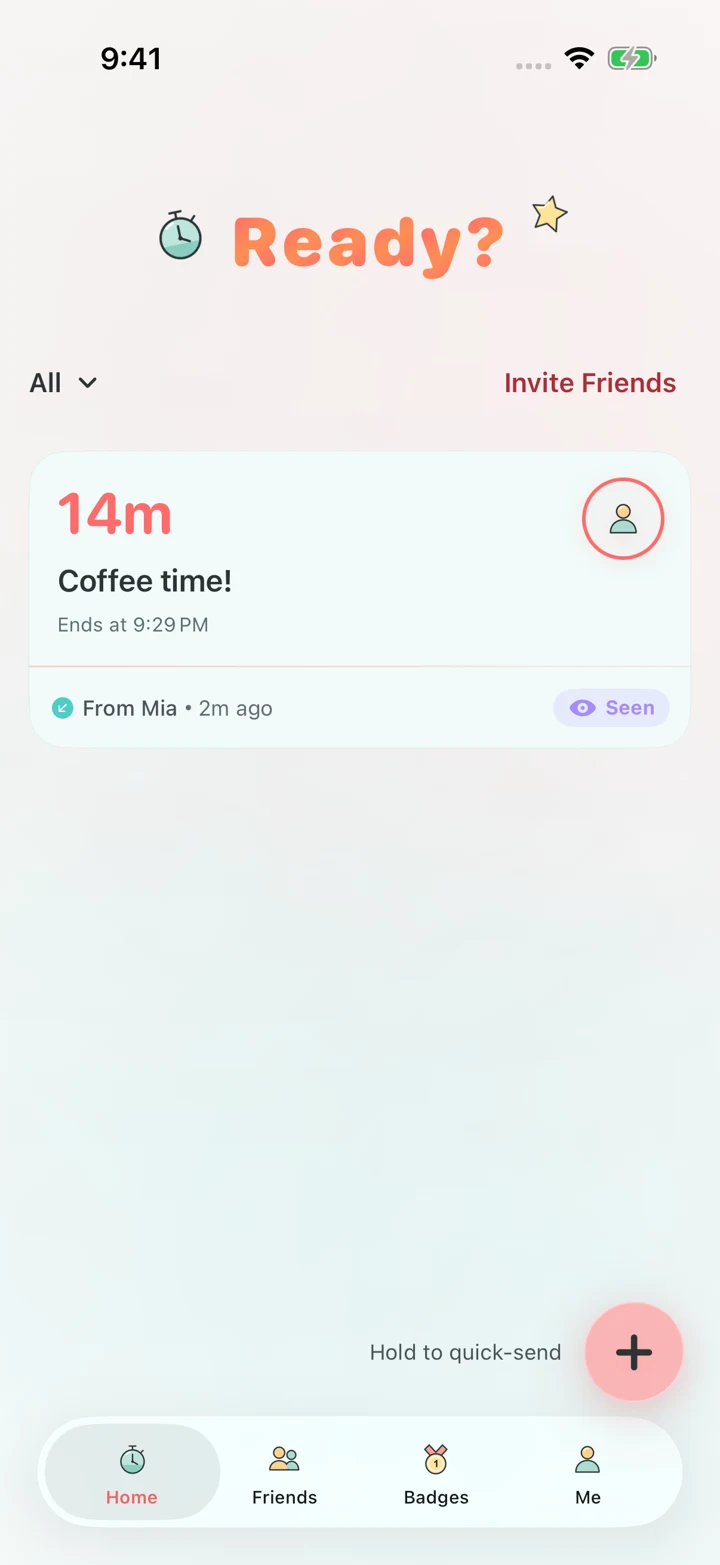
Free · No ads · For iPhone · iOS 26.2 or later
Send a friend a countdown for dinner, a game, or heading out. Tap Done when you’re ready, or ask for a few more minutes.
Time’s up.
Remind your friend.
Turn on Alarm Mode when you send a countdown. Your friend gets a message first, then an iOS alarm when the time is up.
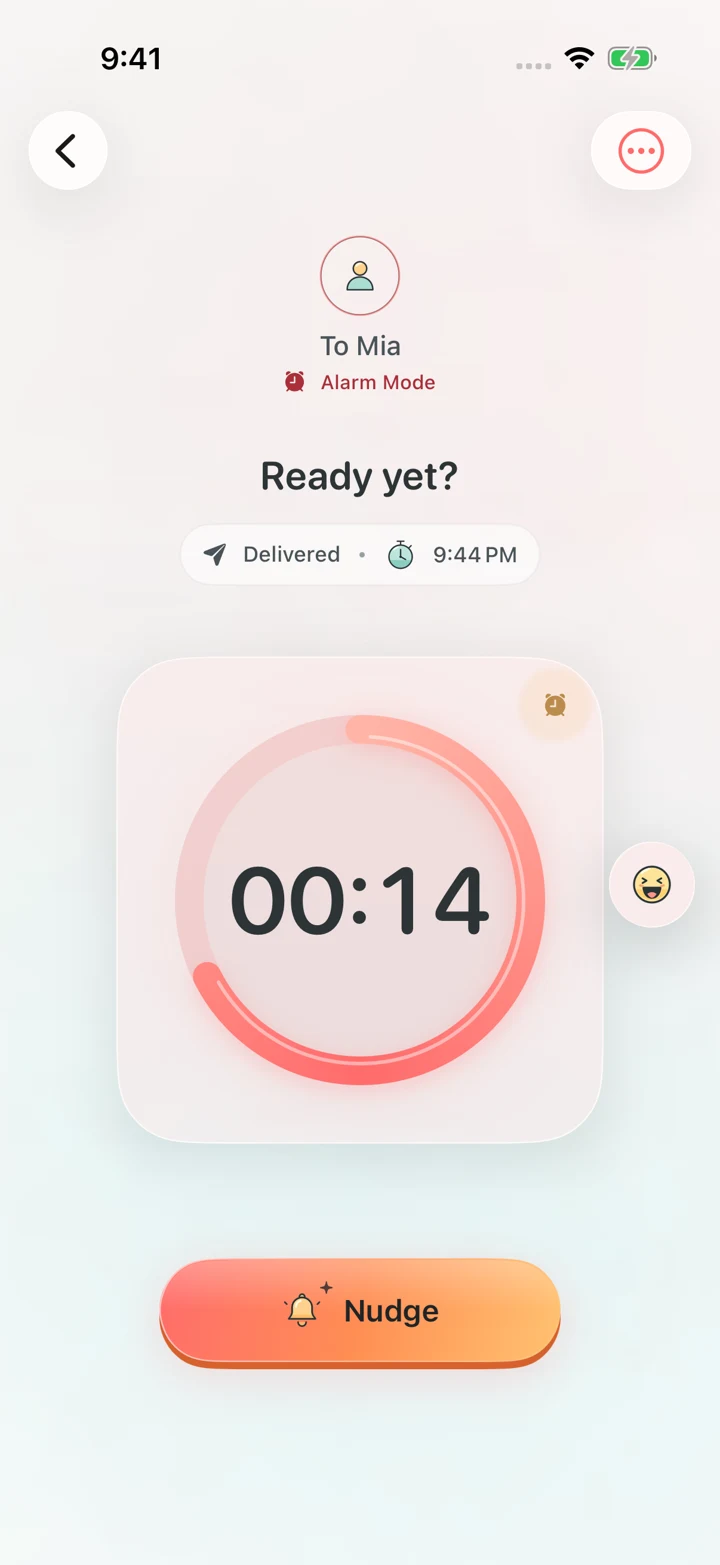
1Alarm Mode enabled
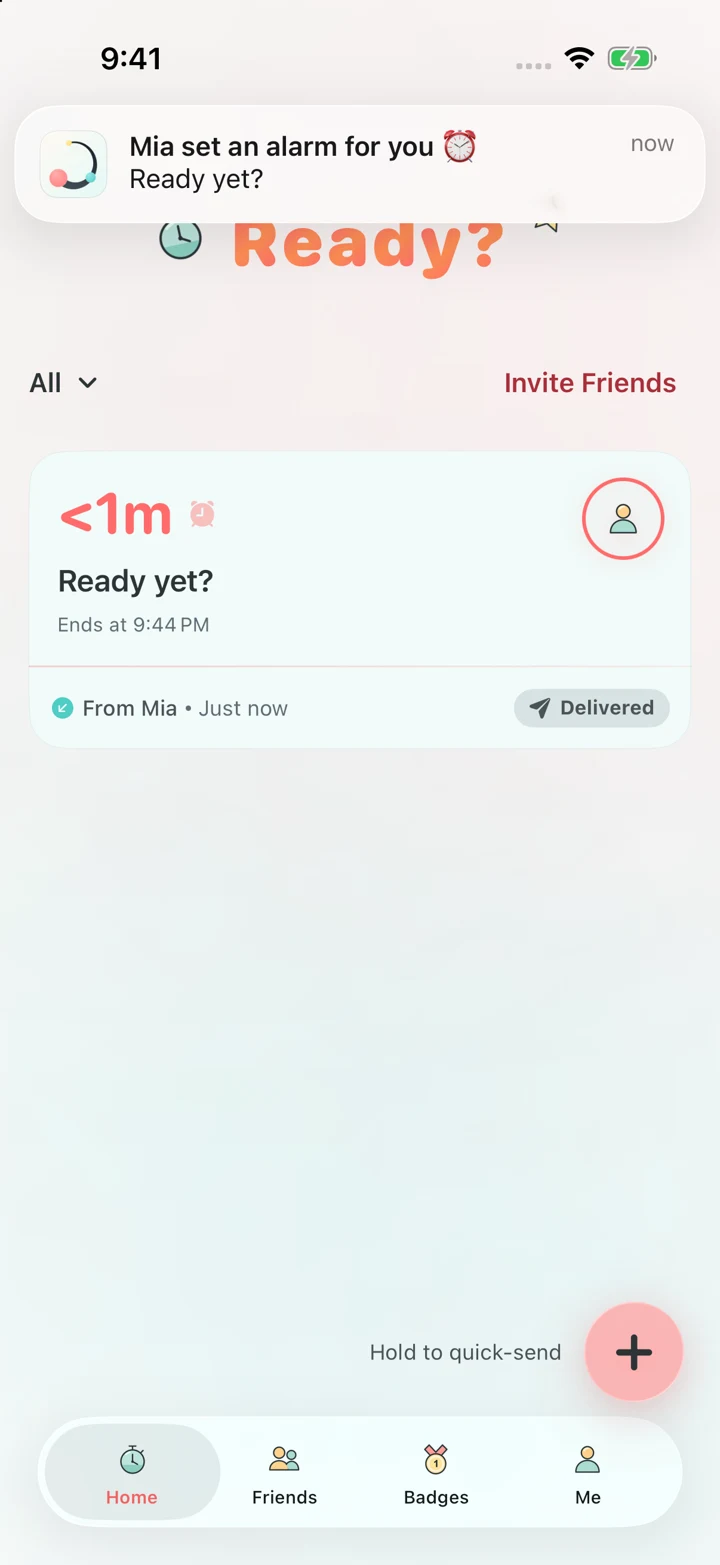
2They get a heads-up
Static preview
Native app and iOS screens · Demo accounts · Shortened demo time · Illustrated signal and vibration
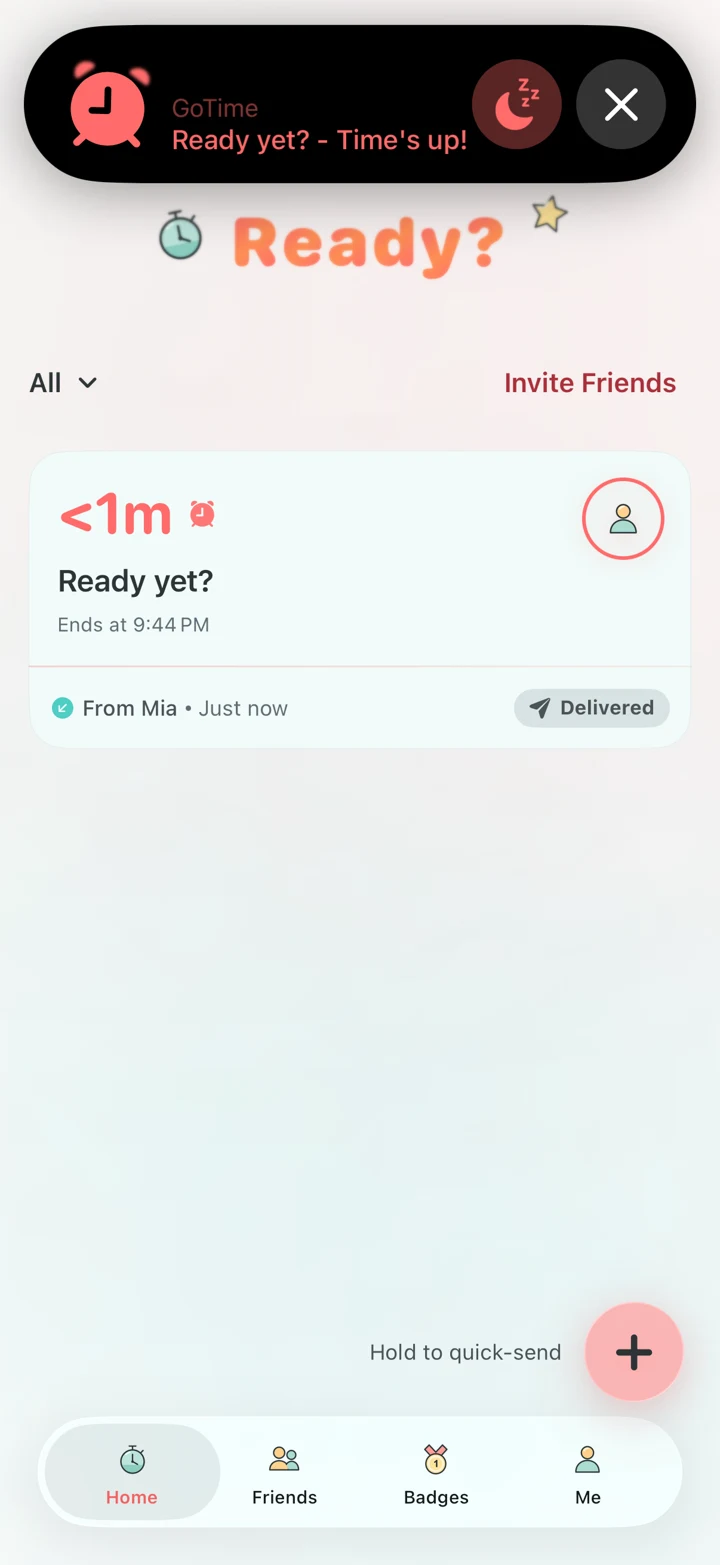
Send a countdown to your friend.
Native captures · Demo accounts · Illustrated vibration
Send a countdown → Your friend gets a message → The alarm rings
While you wait,
send a reaction.
Try it here. Send it to a friend in the app.
Let them know.
Cheer them on.
Reactions · Cheers · Virtual gifts
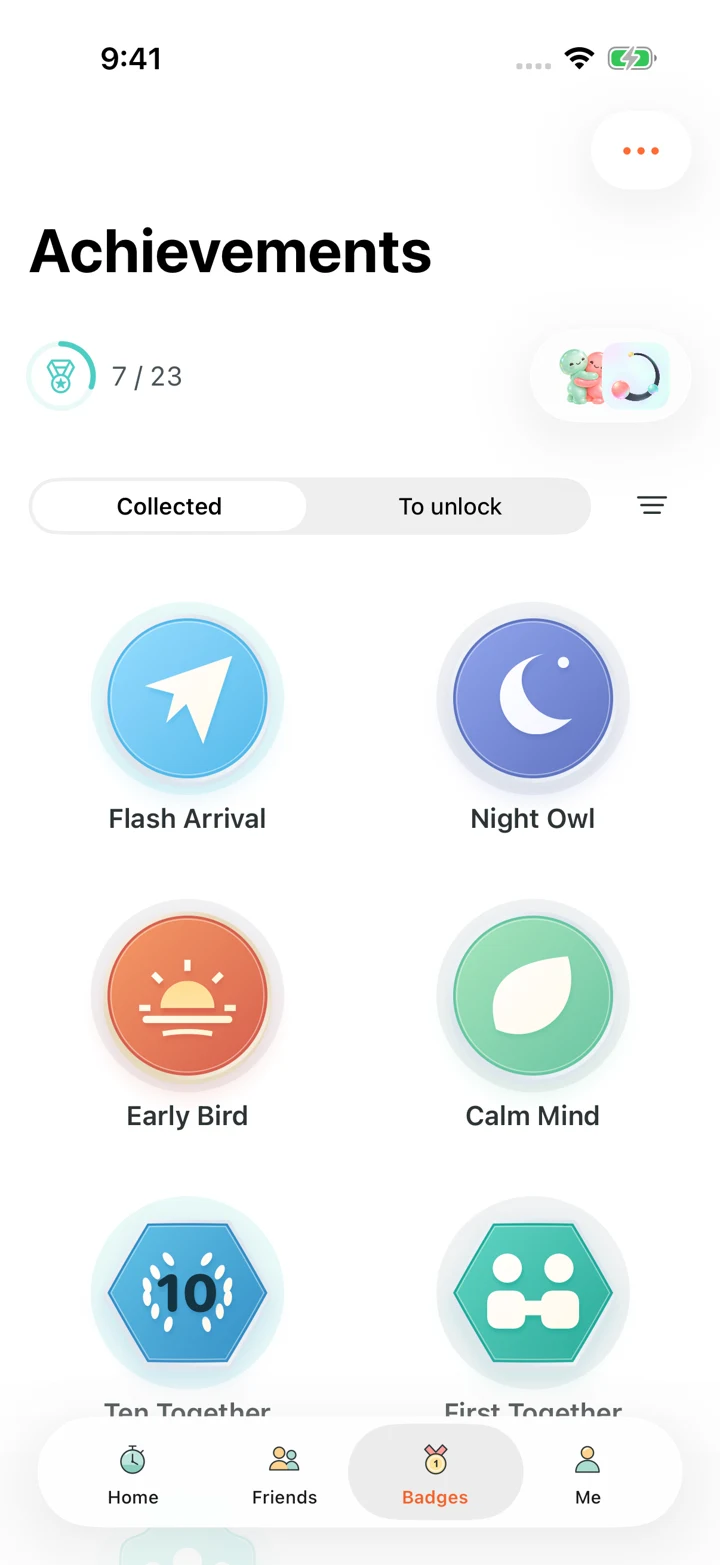
Your history together.
Streaks · Friend stats · Levels & badges
Ready. Let’s go.
Try GoTime next time you’re meeting a friend, grabbing food, or starting a game.
Get GoTime
Free · No ads · iOS 26.2 or later
A few common questions
Have another question? Contact usWhat does GoTime do?
Send a countdown to a friend for heading out, a game, or dinner. Tap Done when ready, or request more time, which your friend needs to approve. You can also send nudges, reactions, encouragement, and virtual gifts.
Is it free?
Yes. It’s currently free to download and use, with no ads or in-app purchases.
Will it work on my iPhone?
You need iOS 26.2 or later. The App Store listing shows which devices are supported.
Can a friend make my phone ring whenever they want?
You need to allow that friend and give the app system alarm permission. They also need to turn on Alarm Mode when sending the countdown. You can remove access anytime. Actual alerts also depend on your phone’s state and Focus settings.
How do I sign in?
Use an email one-time code, Sign in with Apple, or Google Sign-In.
What about my data? Can I delete my account?
You can request account deletion in the app. Our privacy policy explains what we collect, where it’s stored, deletion, and international transfers.
Read our privacy policyWhere can I get help?
Email support@haoleme.me with a question or suggestion. You can also check the support page for troubleshooting steps.
support@haoleme.me